
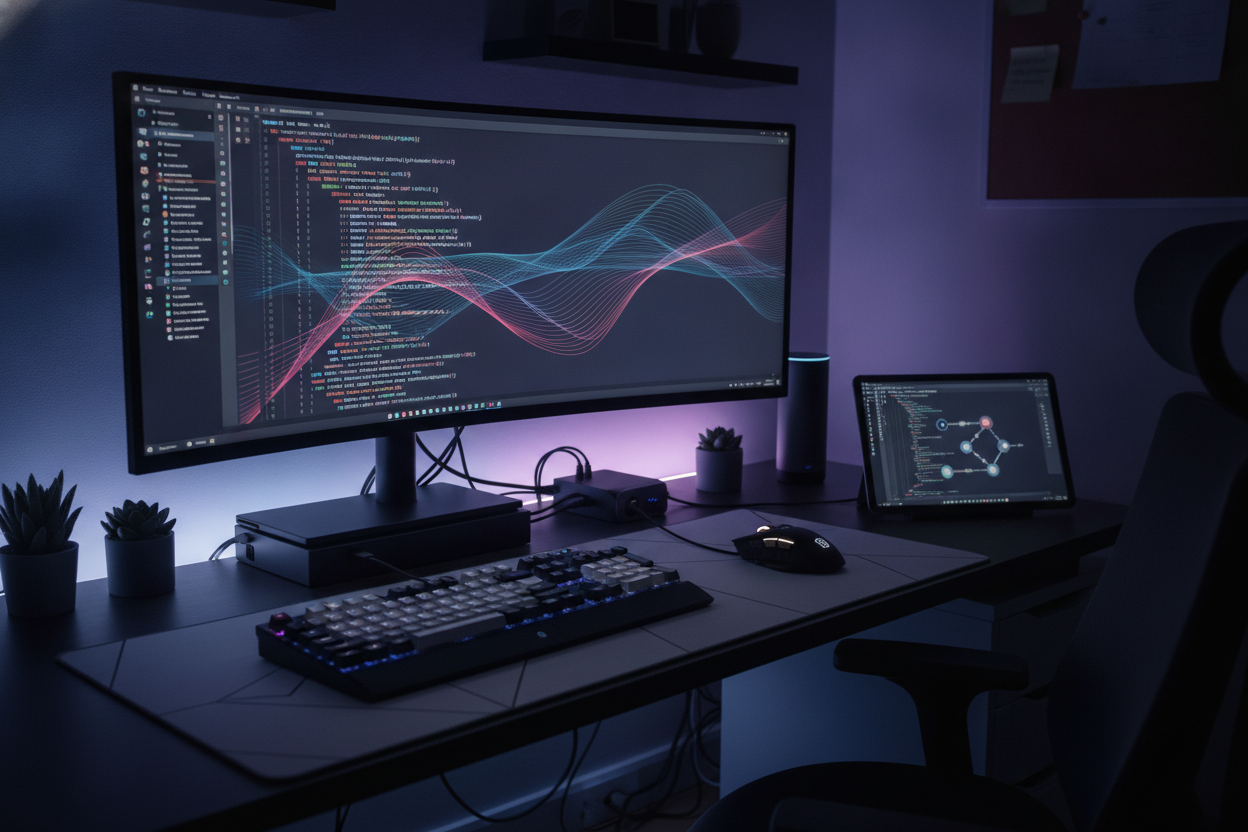
Your code editor can either slow you down or help you learn faster. A well-set-up editor reduces friction, makes code easier to read, and gives you quick access to the tools you use every day. If you are just starting out, spending a little time on setup can save hours later.
Begin with the basics. Choose an editor that feels comfortable and supports the languages you want to use. Then adjust themes, font size, and formatting so the screen is easy to read. Small comfort changes matter because you will spend a lot of time looking at code. If the editor feels pleasant, you are more likely to keep practicing.
Extensions can also improve your workflow. Helpful add-ons might include syntax highlighting, auto-formatting, and live preview support. The key is to install only what you actually need. Too many tools can create clutter and distract from learning. A focused setup usually works better than an overloaded one.
Keyboard shortcuts are worth learning early because they speed up routine tasks. Opening files, searching text, and formatting code become much faster once shortcuts become second nature. A good editor setup is not about looking advanced. It is about making your learning environment efficient, calm, and easy to use.
Leave a Reply