
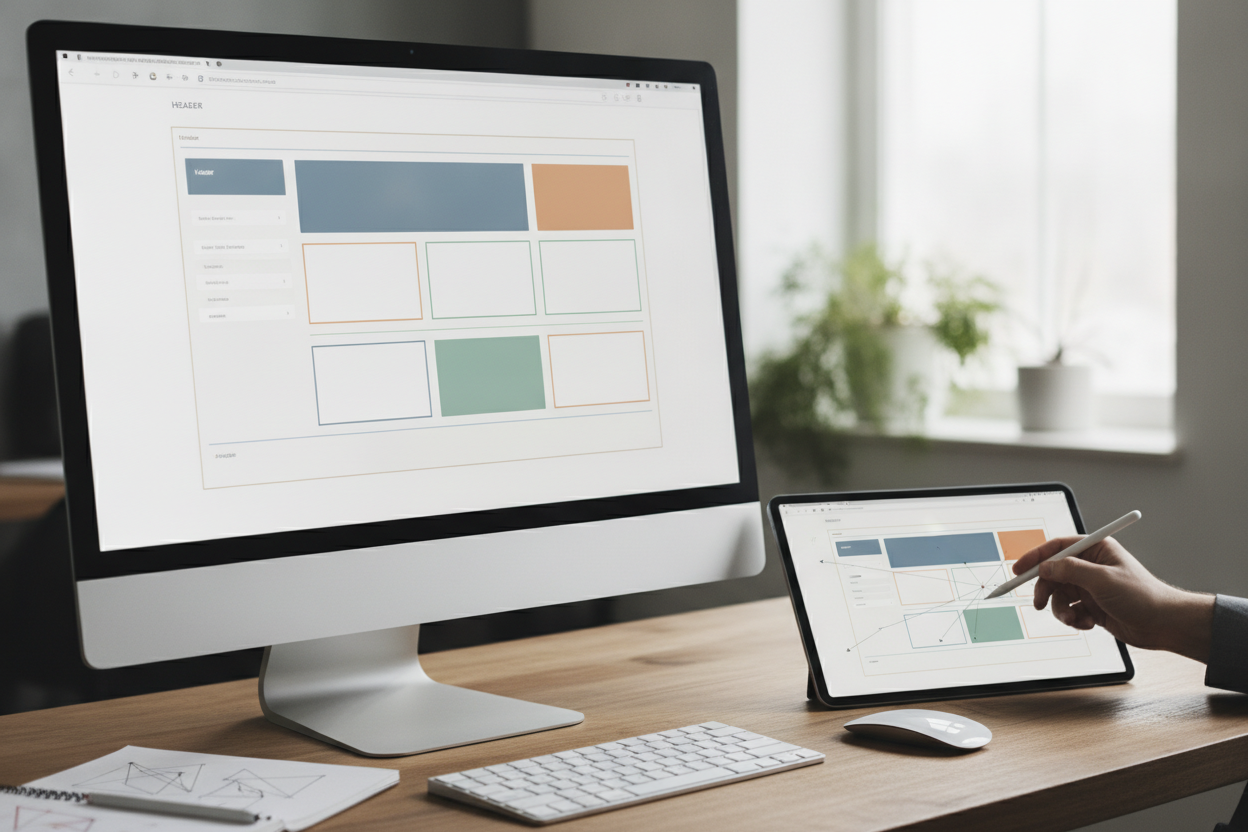
CSS is where your website starts to look like a real product, and layout is one of the most important skills to learn. If your HTML gives the page structure, CSS decides how that structure appears on screen. With layout rules, you can control spacing, alignment, width, and the overall flow of content so your site feels polished and intentional.
Many beginners struggle with layout because they jump straight into advanced techniques without understanding the basics. Start with the box model, because it explains how margin, border, padding, and content work together. Once that clicks, positioning becomes much easier to follow. Then practice building simple sections, such as a header, a content column, and a footer.
Responsive design is another key part of CSS layout. Visitors use phones, tablets, laptops, and wide desktop screens, so your site should adapt gracefully. Media queries help you make small changes at different screen sizes without rebuilding the entire page. That flexibility is essential for modern web projects.
The more you experiment, the more natural CSS becomes. Try adjusting spacing, changing alignments, and testing how layouts behave when text is longer than expected. These small exercises teach you how websites respond in the real world. Over time, layout stops feeling mysterious and starts feeling like a powerful creative tool.
Leave a Reply